


Greenhouse vs Lever vs Workday: How Tech ATS Filters Your Resume (And How to Beat Them)
An engineer's breakdown of the 3 major Applicant Tracking Systems used by tech companies. How parsing algorithms score your resume, knockout question mechanics, and formatting rules that guarantee human review.
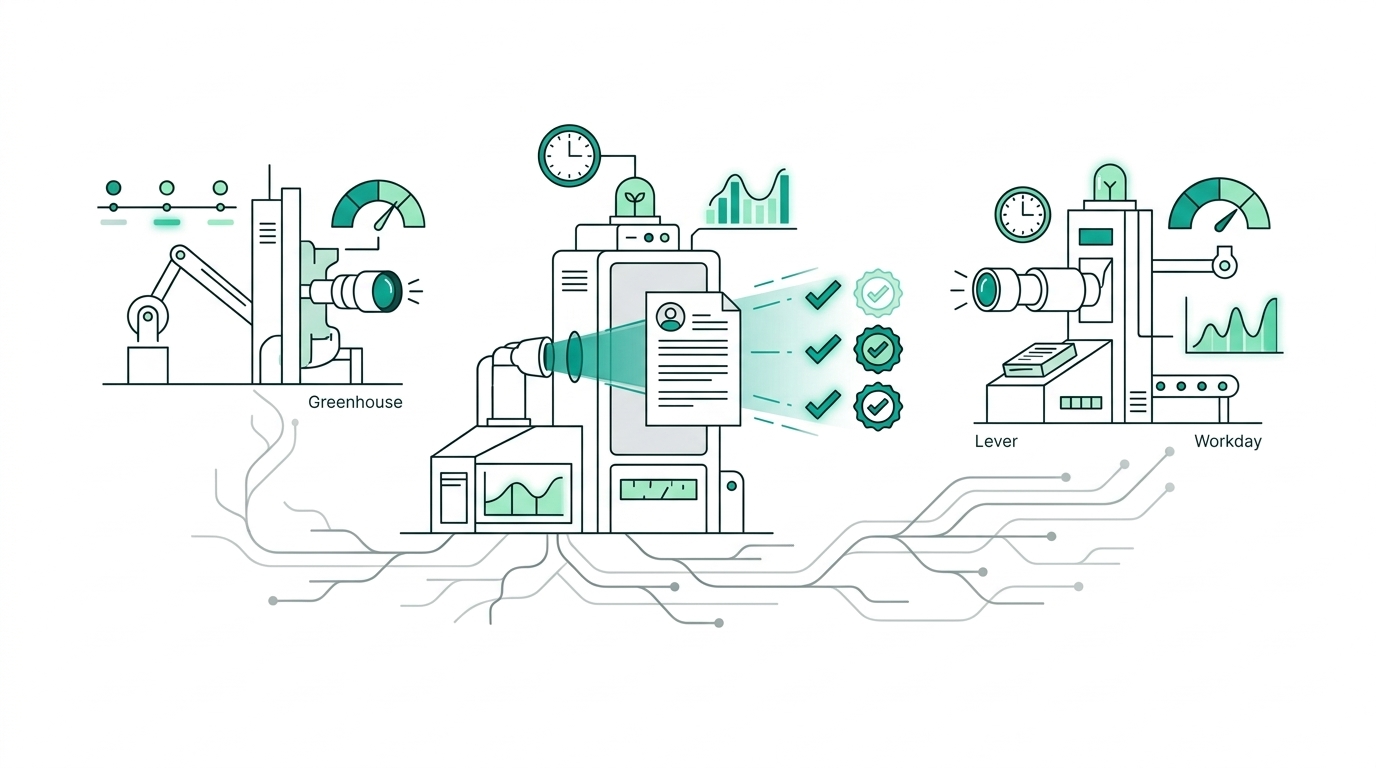
Direct answer: No modern ATS (Applicant Tracking System) automatically rejects tech resumes based on arbitrary "keyword percentages" alone. What ATS systems actually do is: (1) filter by hard knockout questions, (2) extract skills and titles into structured recruiter dashboards, and (3) sort candidates chronologically. To beat Greenhouse, Lever, and Workday, you need a clean single-column layout, verbatim technical keywords, and early submission before recruiter review queues fill up.
Here is the technical reality of how the top three ATS platforms parse your resume and what you must do to guarantee your application gets reviewed by a human.
1. The Big Three ATS Platforms Compared#
Tech companies mostly pick an ATS by company size and hiring volume:
| ATS Platform | Typical Companies | Parser Engine | Recruiter Review Workflow | Main Gotcha |
|---|---|---|---|---|
| Greenhouse | Stripe, Airbnb, DoorDash, Figma, Discord, mid-to-late startups | Sovren / Textkernel | Chronological queue by application timestamp | Highly dependent on applying early before reviewer fatigue sets in |
| Lever | Netflix, Spotify, Box, modern scale-ups | Proprietary CRM parser | Unified candidate profile across past applications | Flags repeat applications or conflicting title histories |
| Workday | Google, Amazon, Microsoft, Salesforce, Fortune 500 enterprises | Enterprise multi-tier OCR / extraction | Algorithmic scoring + strict knockout verification | Multi-step account creation, strict field validation |
2. How ATS Parsing Actually Operates#
When you upload your resume (resume.pdf), the ATS does not simply hand the file to an AI to make a hiring decision. It executes a deterministic pipeline:
[ Uploaded PDF/DOCX ]
         │
         ▼
[ Text Layer Extraction ] ──► (Fails if PDF is flattened image/canvas)
         │
         ▼
[ Entity Recognition ]    ──► (Extracts Name, Email, Phone, LinkedIn, GitHub)
         │
         ▼
[ Section Chunking ]      ──► (Maps Experience, Education, Skills, Projects)
         │
         ▼
[ Recruiter Dashboard ]   ──► (Populates searchable fields + side-by-side viewer)
The Three Failure Modes That Trigger Invisibility#
- Unparseable Layouts (Multi-column & Text Boxes): When an applicant uses a multi-column graphic template (e.g. Canva or Photoshop templates), the text extraction engine reads horizontally across columns. A bullet point from Column 1 gets concatenated with a bullet point from Column 2, generating gibberish.
- Knockout Question Elimination: Questions such as "Will you now or in the future require visa sponsorship?" or "Do you have at least 5 years of professional experience in Go?" have binary logic attached. If your response fails the required threshold, your application is automatically routed to the "Disqualified" bucket without recruiter notification.
- Queue Burial (The 48-Hour Cliff): Greenhouse displays incoming applicants in a sequential feed. A recruiter typically reviews the first 50 to 100 applications, shortlists 8 to 12 candidates for initial screens, and pauses review. Applying late is equivalent to being rejected.
3. Platform-Specific Optimization Tactics#
Beating Greenhouse#
Greenhouse is the gold standard for high-growth tech companies.
- Queue Timing is Everything: Because Greenhouse orders candidates chronologically, being among the first 25 applicants gives you a 4x to 6x higher probability of being reviewed. Fast alert tools like Fastlyy notify you minutes after a Greenhouse job is published.
- Clear Section Headers: Use standard headings:
Experience,Education,Technical Skills,Projects. Avoid creative labels likeWhere I've BeenorToolbox. - Location Alignment: Greenhouse highlights candidate location matches against the job's target city or remote region.
Beating Lever#
Lever functions as a relationship-oriented talent CRM.
- Consistent Timeline: Lever merges multiple submissions under one candidate identity. Ensure dates, job titles, and company names remain consistent across multiple role applications.
- Skill Keyword Verbatim Matching: Lever allows recruiters to filter applicants using tag searches (e.g.,
Kubernetes,GraphQL,React Native). Include the exact terminology found in the JD.
Beating Workday#
Workday is the most rigid system and is used by massive enterprise employers.
- Match the Form Fields Exactly: Workday often asks you to confirm pre-filled fields parsed from your resume. Double-check that dates, degrees, and titles match what was extracted.
- Avoid Special Characters & Icons: Workday's parser can choke on fancy bullet points (
➔,★) or font icon glyphs. Stick to standard round bullets (•) or hyphens (-).
4. The 6 Rules of ATS-Proof Formatting#
To ensure 100% parse accuracy across all three platforms, follow these guidelines:
- Single-Column Layout Only: Never split your work experience into left and right columns.
- Standard 0.5" to 0.75" Margins: Keeps the printable boundary standard.
- Embed Plain Text in Standard Fonts: Use Inter, Roboto, Arial, Helvetica, or Calibri. Avoid obscure downloaded web fonts that don't embed standard character codes.
- Quantify Results (XYZ Formula): Google's classic formula ("Accomplished [X] as measured by [Y], by doing [Z]") ensures recruiters see immediate business impact.
- Bold Category Labels in Skills: Keep the skills section categorized:
- Languages: TypeScript, Python, Go, SQL
- Infrastructure & Cloud: AWS, Docker, Kubernetes, Terraform
- Frameworks: React, Next.js, FastAPI, Node.js
- No Graphics, Photos, or Tables: Tables often break parser reading order. Use simple tabs or inline bullet lists.
5. Instant ATS Compliance Test#
Before submitting your next application, perform this 30-second verification:
- Open your exported PDF in Google Chrome or Adobe Acrobat.
- Press
Ctrl + A(Windows) orCmd + A(Mac) to select all text. - Copy and paste the entire clipboard into a plain text editor (Notepad or TextEdit).
- Check the output:
- Are your contact details at the very top?
- Do your job titles and companies stay grouped with their bullet points?
- Are any sentences scrambled or cut off?
If the text flows cleanly from top to bottom, your resume will parse without errors on Greenhouse, Lever, and Workday.
Want instant feedback on how your resume performs against tech hiring rubrics? Try our free Roast My Resume tool to catch buzzwords and formatting problems.
Common Questions Answered
Staff Tech Recruiter & ATS Research Lead
Former senior technical recruiter with 9+ years screening thousands of software engineering pipelines across Tier-1 tech employers and high-growth startups.
Are these buzzwords secretly killing your interview rate?
Run your resume through Fastlyy's free Roast My Resume engine. Our AI scans for ATS parsing traps, cliché phrases, and weak metrics—giving you a brutal, honest score and exact bullet rewrites in 30 seconds.